
Workforce
Every role, every branch, one staff directory.
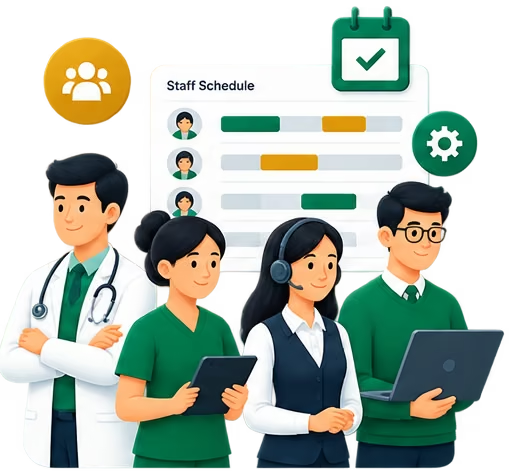
Staff are created once and scoped to the branches and roles they work in. Each person signs in to a portal shaped around their role, while HR and administrators manage schedules, attendance, leave and on-call cover across the whole organization.
Built for
- Administrators
- HR
- Doctors
- Nurses
- Reception & billing
Capabilities
What Workforce covers
Role-based staff portal
Doctors, nurses, reception, HR and billing each see the tools their role needs — decided by the backend.
Branch-scoped access
Staff only see the branches they are assigned to.
Schedules & on-call
Shift schedules and on-call rosters managed centrally.
Attendance
Attendance records per person and per branch.
Leave & time off
Staff request time off; managers review and approve it.
Workload & performance
Workload and doctor performance views for administrators.
Walkthroughs
See the key flows
- Walkthrough coming soon
Flow 01
Onboarding a staff member
Adding a person and giving them exactly the access they need.
- 1
An administrator adds the staff member with their phone number.
- 2
They assign the role and the branches the person works in.
- 3
The person signs in with their phone and lands in their role's portal.
- 1
- Walkthrough coming soon
Flow 02
Requesting and approving leave
Time off without paper forms or chat threads.
- 1
The staff member requests time off from their portal.
- 2
The request appears for review by the responsible manager.
- 3
Once approved, it is reflected in leave records and schedules.
- 1
- Walkthrough coming soon
Flow 03
Planning shifts and on-call
Making sure every branch is covered.
- 1
The administrator builds the schedule for each branch.
- 2
On-call cover is assigned for out-of-hours.
- 3
Staff see their own schedule in their portal.
- 1
Platform
Explore other modules

Clinical Operations
Appointments, clinical workflows, medical records and care coordination.
Explore
Patient Experience
Appointments, records, reports and patient access.
Explore
Financial Operations
Billing, invoices and operational financial visibility.
Explore
Pharmacy
Inventory and branch-level pharmacy management.
Explore
Organizational Operations
Central administration, branch management, access control and reporting.
Explore
See Workforce running for your organization
Tell us how your clinics or hospitals work and we'll walk you through it on your own setup.