
Patient Experience
A patient portal that families actually use.
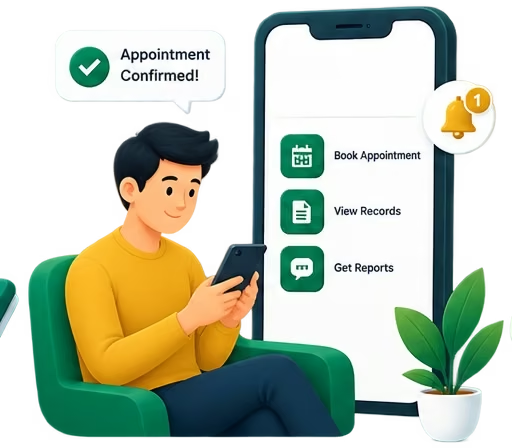
Patients sign in with their phone number and a one-time code — no password to forget. From there they book and track appointments, read their reports, see their bills and manage family members registered under the same number, across every clinic they visit on the platform.
Built for
- Patients
- Families & caregivers
- Front desk
Capabilities
What Patient Experience covers
Phone + OTP sign-in
One phone number, one short code. The same secure sign-in every portal uses.
Family under one number
Manage parents, children and dependants registered under the same phone, and switch between them.
Appointments
Upcoming and past visits in one place, with the vitals recorded at each appointment.
Records & reports
Medical records, lab and diagnostic reports, readable the moment they are released.
Bills
Every bill the patient has received, with what has been paid and what is due.
Privacy controls
Notifications and privacy settings the patient controls themselves.
Walkthroughs
See the key flows
- Walkthrough coming soon
Flow 01
Sign in and switch family members
One phone number managing several people and clinics.
- 1
The patient enters their phone number and the one-time code sent by SMS.
- 2
If several people or clinics are linked to the number, they choose who and where.
- 3
They land on that person's dashboard and can switch at any time.
- 1
- Walkthrough coming soon
Flow 02
An appointment, from the patient's side
Booking, attending and following up from the portal.
- 1
The patient sees available doctors and books a visit.
- 2
The appointment appears on their dashboard with its status.
- 3
After the visit, vitals and notes released to the patient show on the appointment.
- 1
- Walkthrough coming soon
Flow 03
Reports and bills
Finding a report or a bill without calling the clinic.
- 1
The patient opens Records or Tests to find a released report.
- 2
They open Bills to see what was charged and what is outstanding.
- 3
Notifications tell them when something new is available.
- 1
Platform
Explore other modules

Clinical Operations
Appointments, clinical workflows, medical records and care coordination.
Explore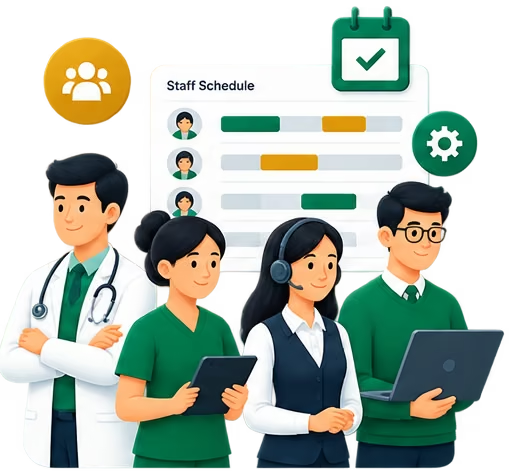
Workforce
Doctors, nurses, reception, HR and billing teams.
Explore
Financial Operations
Billing, invoices and operational financial visibility.
Explore
Pharmacy
Inventory and branch-level pharmacy management.
Explore
Organizational Operations
Central administration, branch management, access control and reporting.
Explore
See Patient Experience running for your organization
Tell us how your clinics or hospitals work and we'll walk you through it on your own setup.